
P1: Windows 10 End-of-Life
Support for Windows 10 Ended on October 14th 2025
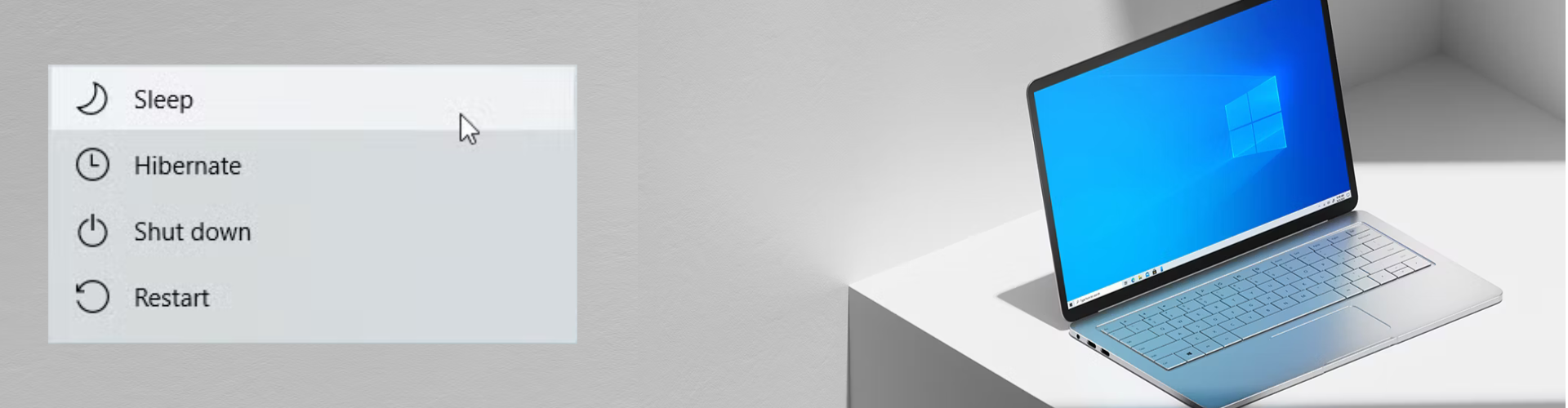
As of October 14, 2025, Microsoft has officially ended support for Windows 10. That means no more security updates, patches, or technical assistance will be provided by Microsoft. This leaves devices potentially vulnerable and non-compliant with modern software standards. If you're still using Windows 10, now is the ideal time to begin planning your next steps
What Does End of Life Mean?

No More Security Patches and Updates
While your PC will continue to work, it will be an unsafe environment to work in. Microsoft releases updates and security patches which address bugs and vulnerabilities with Windows. As of the 14th October 2025. Microsoft will officially stop providing these crucial updates to Windows 10. This makes your computer vulnerable to the latest threats and while antivirus software does offer some protection, it will not address any of the vulnerabilities in the Windows Operating System.

Software Compatibility Issues
While Windows 10 may continue to work for now, software publishers will start to write their application to only run on newer versions of Windows. Well used programs such as Google Chrome, Adobe Acrobat Reader, and Popular Antivirus Products will now start to end support for their applications for Windows 10. This is done to allow new features offered by newer versions of Windows to be integrated. While this is not an immediate change, it will start to occur.
What Are The Next Steps?

Upgrade to Windows 11
If your PC meets the minimum System Requirements, You are eligible to upgrade to Windows 11 for free. You can check if your system can run Windows 11 by downloading the PC Health Check App from our Download Centre You can download the Windows 11 Upgrade from either Windows Update or via the the Windows Installation Assistant from the Official Microsoft Website
It is strongly recommended you back up all your data before commencing with the upgrade. Slimtek IT Solutions does not hold responsibility for loss of data

Purchasing a New PC
If your PC is unable to run Windows 11, the next step would be buying a new PC and recycling your old device. Many outlets and manufacturers are now offering new PC's with Windows 11 Preinstalled as Standard. It can be tough to know what type of requirements you will need for your new PC. SlimTek IT Solutions will be happy to advise, recommend and acquire a PC that is perfect for your needs. SlimTek IT Solutions can also assist with the transfer of your data from your old device to your new device, setup and configuration. Feel free to get in touch today to discuss options.

Enrol into Windows 10 ESR
Microsoft have released a program for both Personal and Business Users of Windows 10 called ESR (Extended Support Release). This program allows users of Windows 10 to enrol into a service that provides security updates. Microsoft announced the program is free for Personal Users and can be enrolled via Windows Update and provides the personal user with free security updates for 1 year, Business Users will need to pay a yearly fee for each computer which can be done for up to 3 years (this 3 year offer is exclusive to business users). Details can be found on the Official Microsoft Website
What Other Options Are There?
Unfortunately, Windows 10 has lost support, even with one year of security updates, eventually you will need to upgrade to Windows 11 if you still want to stay on the Microsoft Path. However, there are another option.
Moving to Apple macOS
If you are interested in branching out, Apple offers macOS as an alternative, unfortunately, macOS cannot be purchased on its own, you will need to buy a Apple Mac device and it will require Windows Users to learn to operate the new interface and certain Windows Programs may not be available in macOS. However macOS is well built, reliable and in tune with Apple's own hardware which can last years. If you are ready to take the chance, speak to SlimTek IT Solutions today for more information